> For the complete documentation index, see [llms.txt](https://docs.cherryai.com.cn/llms.txt). Markdown versions of documentation pages are available by appending `.md` to page URLs; this page is available as [Markdown](https://docs.cherryai.com.cn/docs/zhong-wen-fan-ti/pre-basic/settings/websearch.md).
# 聯網模式
點樣喺 Cherry Studio 使用聯網模式
{% hint style="info" %}
連網模式會令 AI 喺回答前先去搜尋最新內容,適合以下場景:
* **時效性資訊**:今日/本週/啱啱發生嘅新聞、價格、匯率等
* **即時數據**:天氣、股價、商品庫存等動態數值
* **新興知識**:啱啱出現嘅工具、概念、技術
{% endhint %}
## 點樣開啟連網
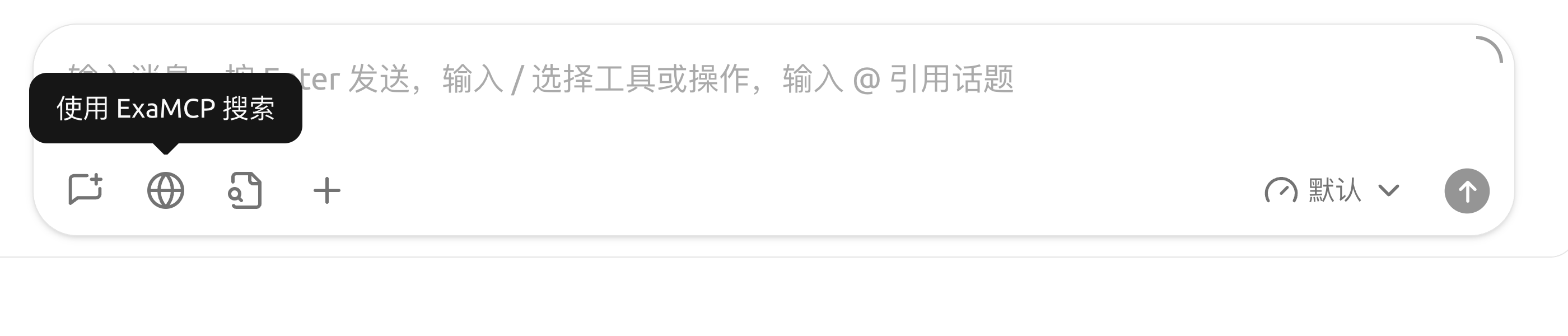
喺對話輸入框嘅工具欄入面撳 🌐 **小地球** 圖示,即可為而家呢個對話開啟連網。
## 相關設定
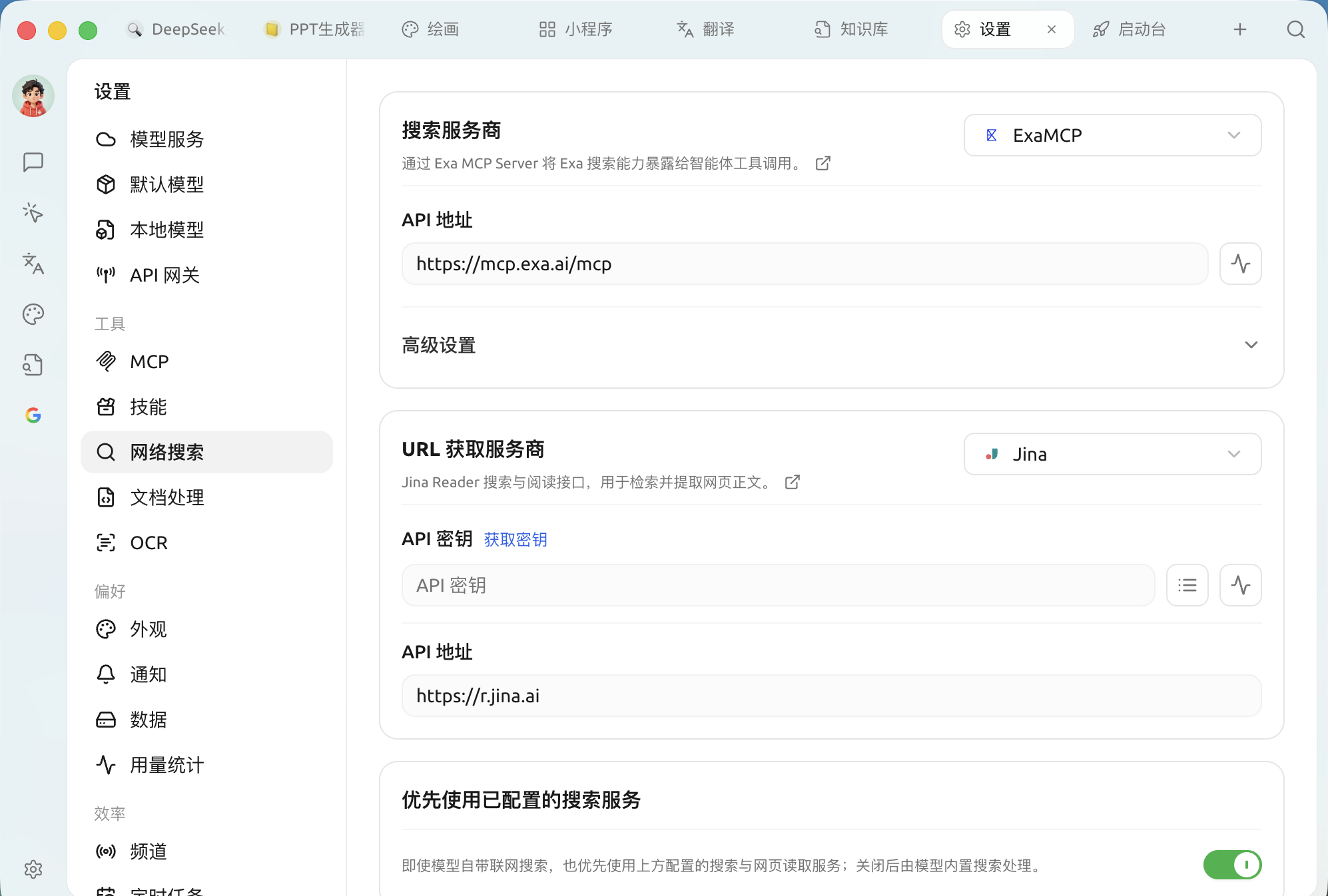
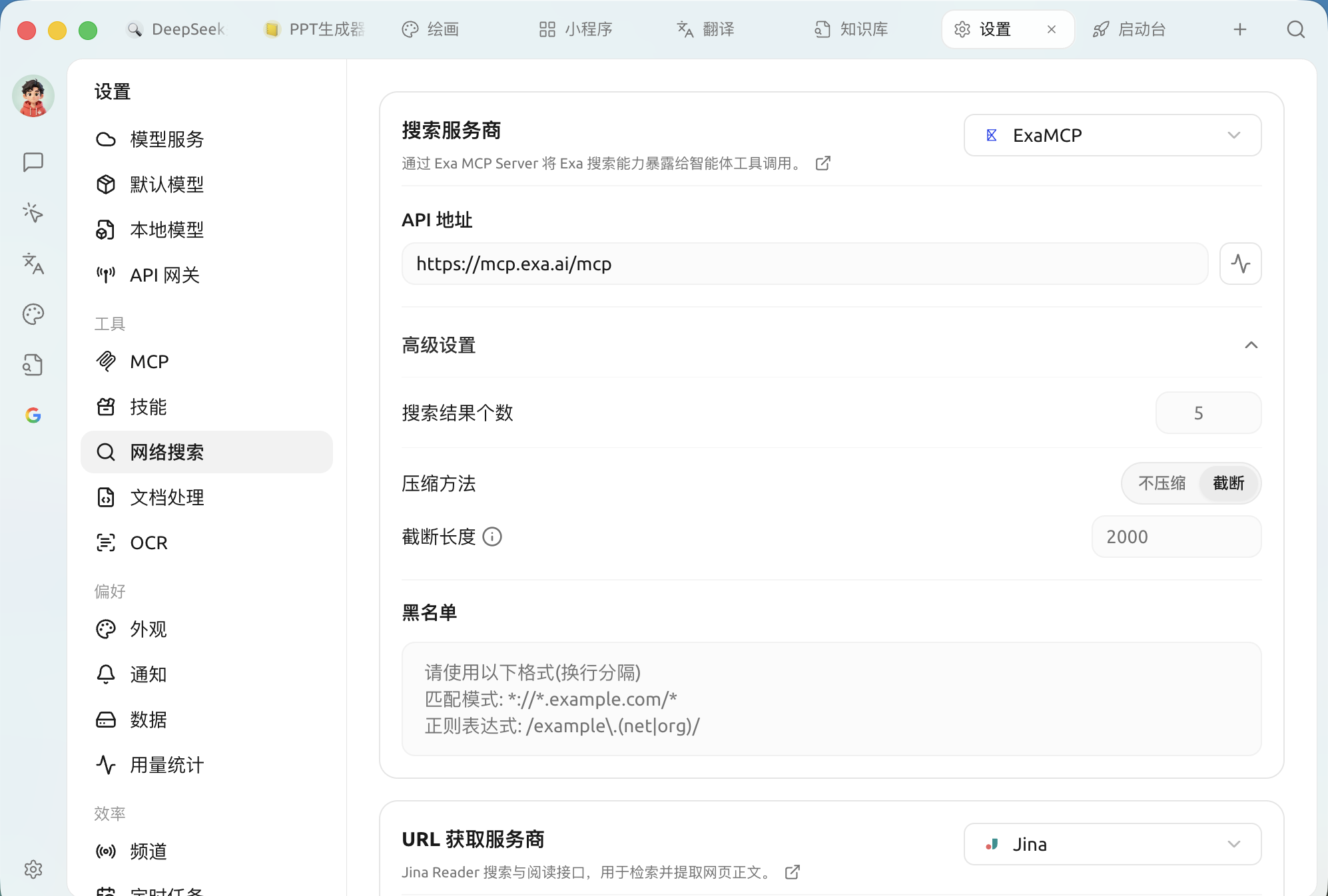
預設嘅 Exa MCP 免密鑰就用得;想轉用其他服務或者深入設定,睇下面幾篇:
* [免費連網模式](/docs/zhong-wen-fan-ti/pre-basic/settings/websearch/free-search.md) —— 唔使花錢都用到搜尋能力
* [Tavily 連網登入註冊教學](/docs/zhong-wen-fan-ti/pre-basic/settings/websearch/tavily.md) —— 轉用 Tavily 時,點樣註冊同攞密鑰
* [SearXNG 本地部署與配置](/docs/zhong-wen-fan-ti/pre-basic/settings/websearch/searxng.md) —— 自託管、完全本地化
* [網絡搜尋黑名單設定](/docs/zhong-wen-fan-ti/pre-basic/settings/websearch/blacklist.md) —— 屏蔽唔想要嘅網站
## 運作機制
無論走邊種方式,對話流程都係:
1. 你問「今日上海天氣點樣?」
2. Cherry Studio 會先將問題發畀搜尋服務
3. 搜尋服務返回相關網頁摘要
4. Cherry Studio 會將呢啲摘要拼入提示詞,再發畀 AI 模型
5. AI 根據即時數據回答你
***
### 攞幫助同提交意見
如果您喺配置或使用過程中遇到任何疑問、Bug 或有功能改善建議,請參考 [反饋與建議](/docs/zhong-wen-fan-ti/question-contact/suggestions.md) 入面提供嘅官方渠道。
---
# Agent Instructions
This documentation is published with GitBook. GitBook is the documentation platform designed so that both humans and AI agents can read, navigate, and reason over technical content effectively. Learn more at gitbook.com.
## Querying This Documentation
If you need additional information that is not directly available in this page, you can query the documentation by asking a question.
Perform an HTTP GET request on the following URL with the `ask` and `goal` query parameters:
```
GET https://docs.cherryai.com.cn/docs/zhong-wen-fan-ti/pre-basic/settings/websearch.md?ask=&goal=
```
`ask` is the immediate question: it should be specific, self-contained, and written in natural language.
`goal` is what the user is ultimately trying to achieve, the reason they need the answer. Sharing it helps GitBook give you a better, more relevant answer. A goal is most helpful when it describes the outcome the user wants rather than restating the question. For example, with `ask=how do I create an API token`, a goal like `automate deployments from our CI pipeline` lets GitBook tailor the answer to that use case.
The response will contain a direct answer to the question and relevant excerpts and sources from the documentation.
Use this mechanism when the answer is not explicitly present in the current page, you need clarification or additional context, or you want to retrieve related documentation sections.