> For the complete documentation index, see [llms.txt](https://docs.cherryai.com.cn/llms.txt). Markdown versions of documentation pages are available by appending `.md` to page URLs; this page is available as [Markdown](https://docs.cherryai.com.cn/docs/zhong-wen-fan-ti/cherry-studio/preview/files.md).
# 文件
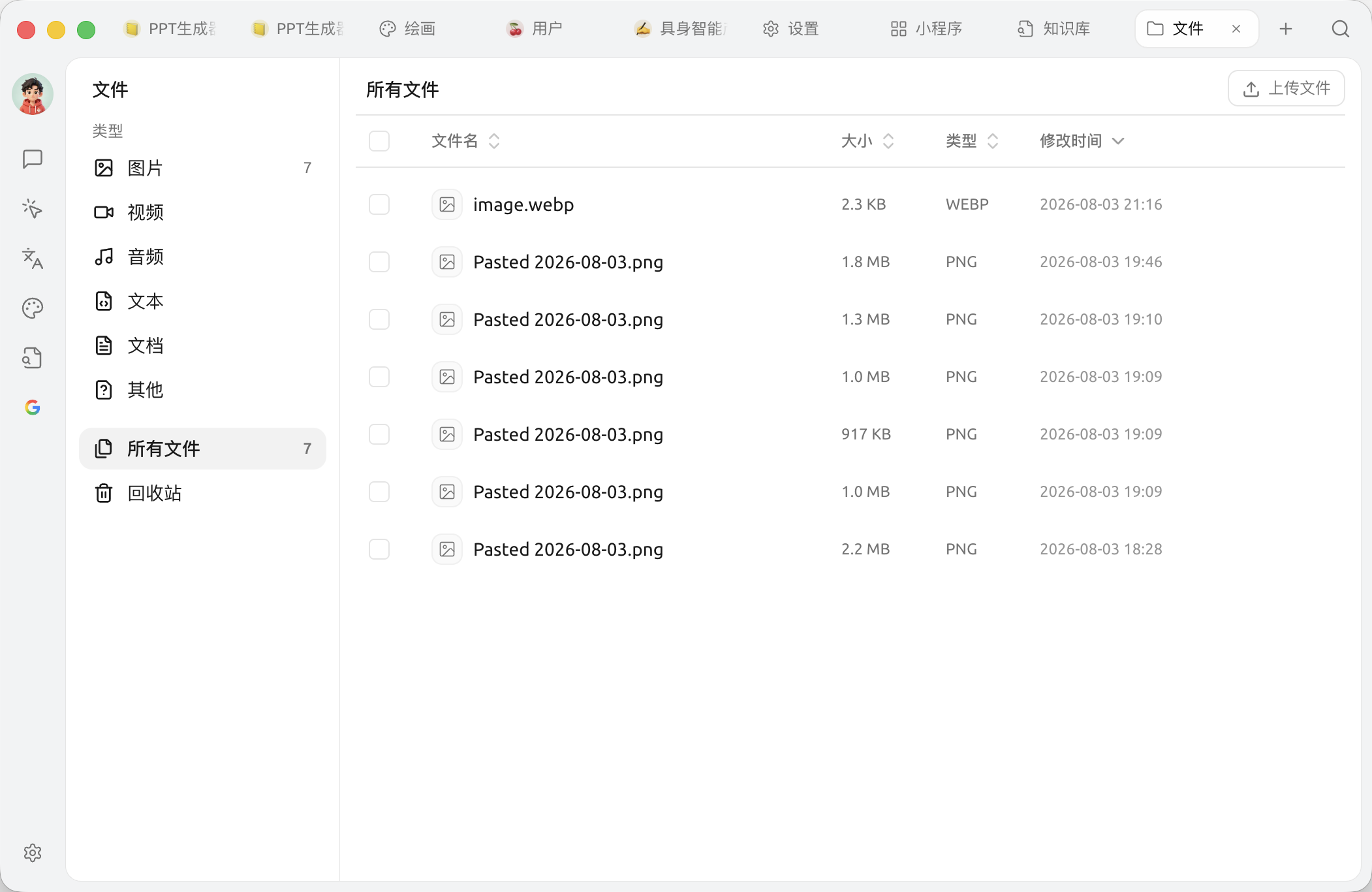
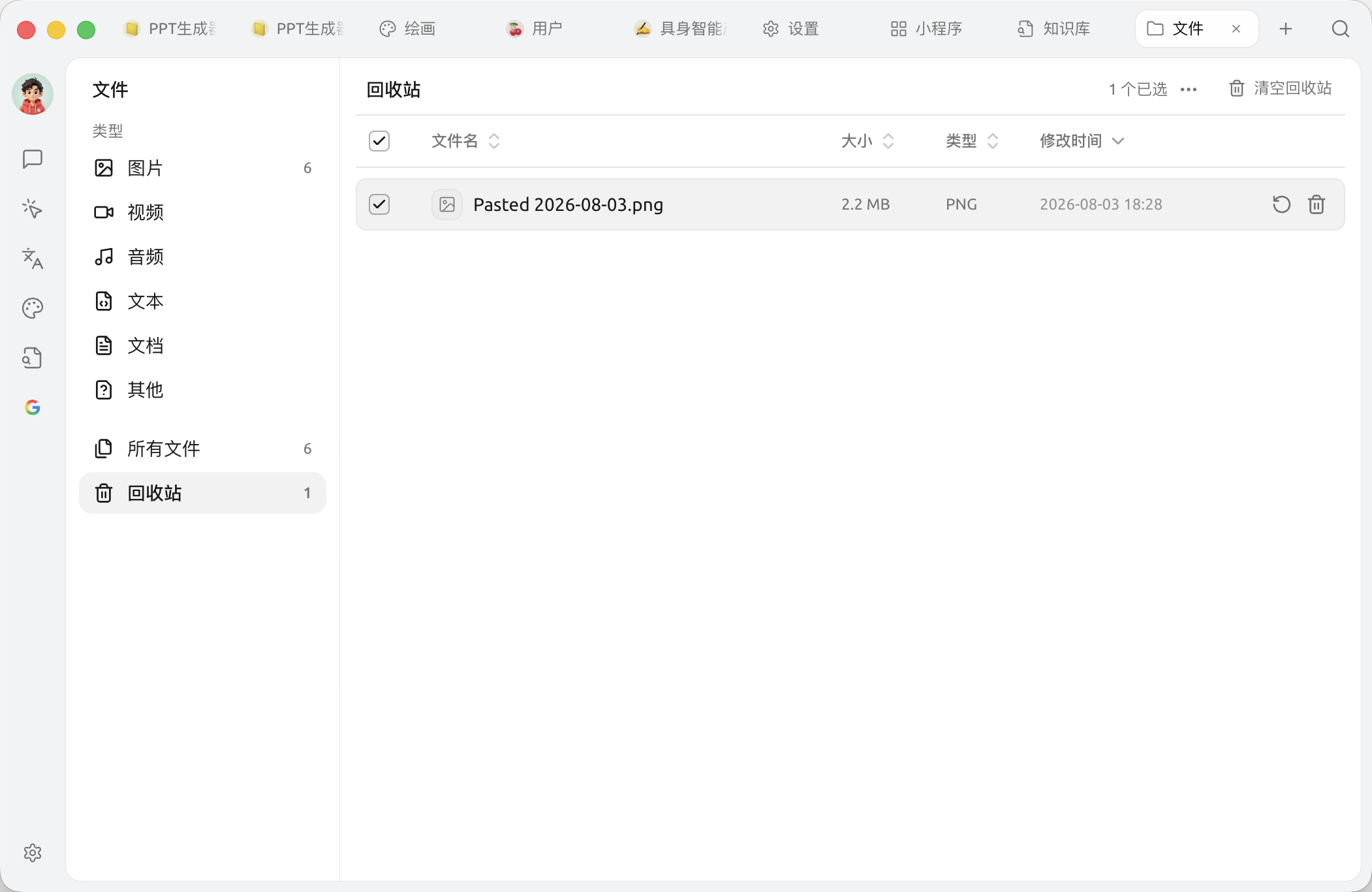
文件頁面係 Cherry Studio 嘅 **附件總倉庫** —— 你喺對話中拖入嚟嘅圖片、PDF、文件,喺繪畫中生成嘅圖,喺知識庫中導入嘅資料,都可以喺呢度集中查看同管理。
可以理解成 Cherry Studio 入面嘅「我嘅電腦」。
## 入去文件頁面
頂部 Tab 嘅 `+` →【啟動台】→ 撳【文件】。
{% hint style="warning" %}
**永久刪除無法撤銷。** 刪除文件亦會同時移除佢喺所有相關訊息入面嘅引用,請確認後再操作。
{% endhint %}
## 文件存喺邊?
Cherry Studio 將所有附件存喺本地嘅應用程式資料目錄入面。具體路徑:
* **macOS**:`~/Library/Application Support/CherryStudio`
* **Windows**:`%APPDATA%\CherryStudio`
* **Linux**:`~/.config/CherryStudio`
想轉去其他碟?睇 [修改儲存位置](/docs/zhong-wen-fan-ti/pre-basic/settings/data-settings/storage.md)。
## 提示同技巧
* 長期唔用嘅對話 / 知識庫會愈儲愈多文件,定期嚟呢度清一清可以慳唔少磁碟空間
* 重要文件建議同時備份去雲端碟(WebDAV / S3 等),見 [數據設定](/docs/zhong-wen-fan-ti/pre-basic/settings/data-settings.md)
* 文件名亂碼?通常係由外部拖入嗰陣編碼問題,建議先重新命名再用
***
### 攞幫助同提交意見
如果您喺配置或使用過程中遇到任何疑問、Bug 或有功能改善建議,請參考 [反饋與建議](/docs/zhong-wen-fan-ti/question-contact/suggestions.md) 入面提供嘅官方渠道。
---
# Agent Instructions
This documentation is published with GitBook. GitBook is the documentation platform designed so that both humans and AI agents can read, navigate, and reason over technical content effectively. Learn more at gitbook.com.
## Querying This Documentation
If you need additional information that is not directly available in this page, you can query the documentation dynamically by asking a question.
Perform an HTTP GET request on the current page URL with the `ask` query parameter, and the optional `goal` query parameter:
```
GET https://docs.cherryai.com.cn/docs/zhong-wen-fan-ti/cherry-studio/preview/files.md?ask=&goal=
```
`ask` is the immediate question: it should be specific, self-contained, and written in natural language.
`goal` is optional and describes the broader end goal you are ultimately trying to accomplish on behalf of the user. GitBook uses it to tailor the answer towards what is most useful for that goal.
The response will contain a direct answer to the question and relevant excerpts and sources from the documentation.
Use this mechanism when the answer is not explicitly present in the current page, you need clarification or additional context, or you want to retrieve related documentation sections.