> For the complete documentation index, see [llms.txt](https://docs.cherryai.com.cn/llms.txt). Markdown versions of documentation pages are available by appending `.md` to page URLs; this page is available as [Markdown](https://docs.cherryai.com.cn/docs/zhong-wen-fan-ti/advanced-basic/extensions/skills.md).
# 技能同能力庫
技能係一套可重用嘅工作說明同配套資源。佢唔負責連接外部系統,而係話俾 Agent 知應該按咩流程、標準同格式完成任務。
{% hint style="success" %}
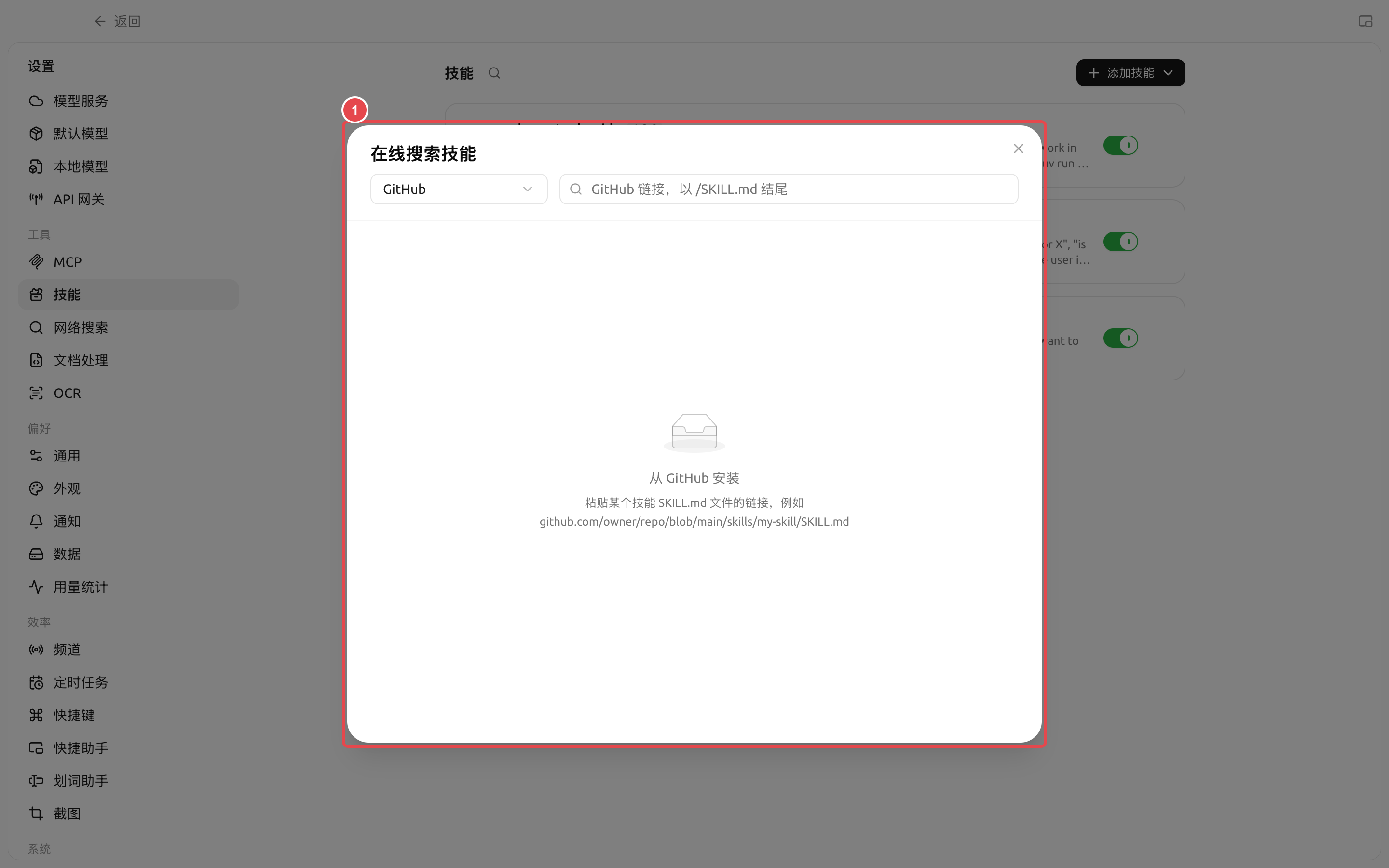
有需要某種工作方法嘅時候,先喺【工作】入面話俾 Agent 知你嘅目標,然後叫佢幫你搵或者安裝合適嘅技能。只有需要檢查來源、批量管理或者由本地匯入時,先再打開【設定】→【技能】。
{% endhint %}
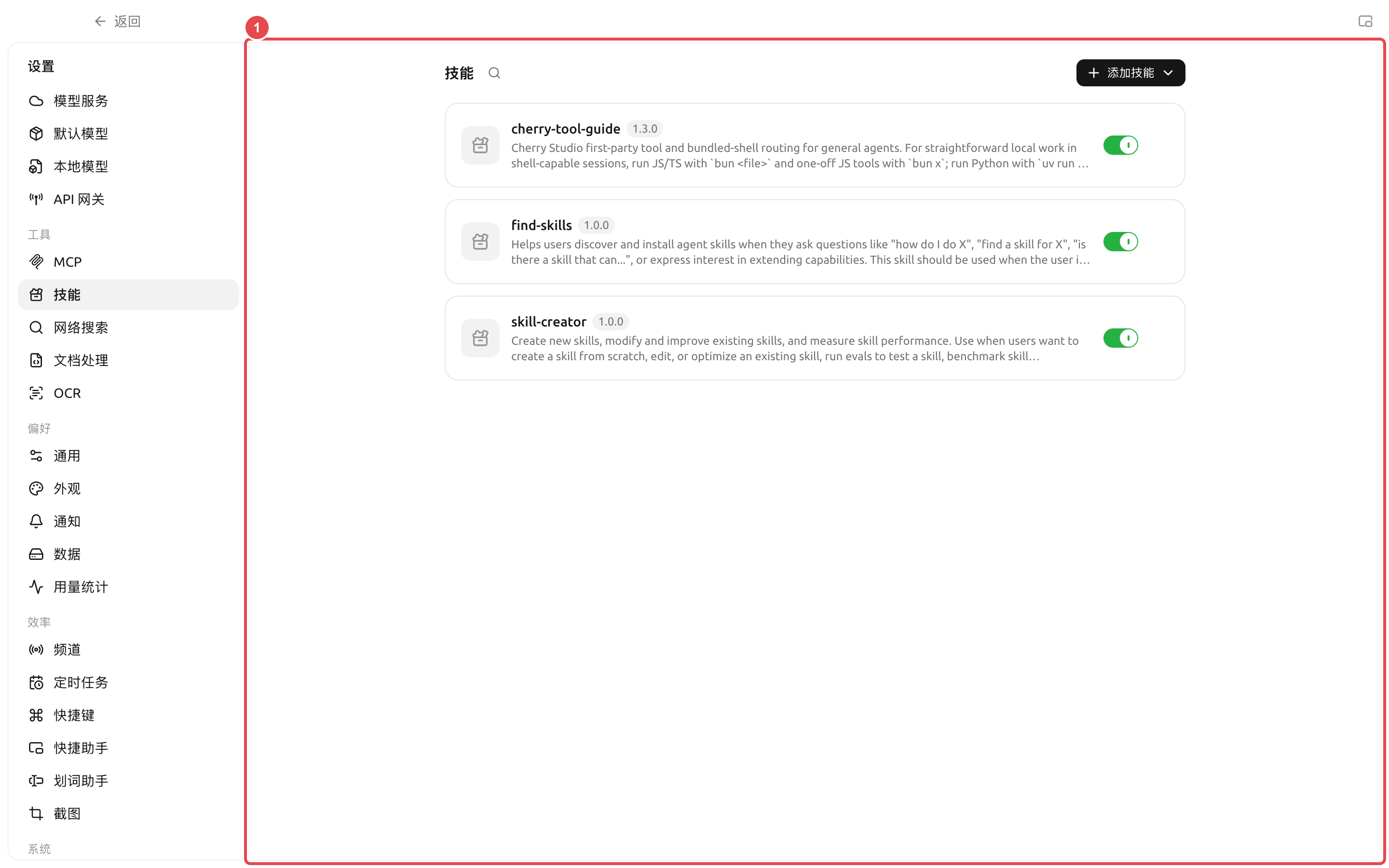
① 卡片右邊嘅開關控制技能係咪對所有 Agent 都可選;關閉之後,Agent 編輯視窗唔會再顯示呢個技能。
| 狀態 | 作用 | 幾時使用 |
| -------- | ------------------------- | -------------------------- |
| 全局啟用 | 令技能出現喺 Agent 嘅可選技能目錄入面 | 技能來源可信,仍然可能俾一個或多個 Agent 使用 |
| 全局關閉 | 暫停所有 Agent 使用呢個技能,但保留安裝內容 | 暫時停用、排錯或者等安全檢查 |
| Agent 啟用 | 只俾而家呢個 Agent 載入呢個技能 | 流程同而家呢個 Agent 嘅長期職責相符 |
關閉全局開關唔會解除安裝技能;重新打開之後,仲要檢查各 Agent 嘅啟用狀態。解除安裝就會刪除技能內容同清理關聯。
### 技能、提示詞同 MCP 點樣揀
| 需要 | 應該選 | 原因 |
| -------------- | ----------- | -------------- |
| 一句臨時要求 | 當前任務提示詞 | 唔使增加長期配置 |
| 多次重用同一流程 | 技能 | 可以同時保存說明、模板同資源 |
| 設定 Agent 嘅長期角色 | Agent 系統提示詞 | 每個任務都要遵守 |
| 存取資料庫或外部服務 | MCP | 技能本身唔提供連接能力 |
### 用戶案例:團隊週報技能
團隊將週報欄目、語氣、數據檢查同禁用表述寫成技能,綁定到「週報整理」Agent。每週只需要提供本週資料,Agent 會按照技能輸出固定結構;數據如果來自外部系統,就再組合 MCP,而唔係將帳號同接口細節寫入技能正文。
{% hint style="danger" %}
解除安裝技能會由全局能力庫移除佢,並清理 Agent 工作區入面嘅關聯。執行之前確認冇任務正喺用緊呢個技能;團隊自訂技能應該保留可還原嘅源文件。
{% endhint %}
安裝之後點解 Agent 冇用技能?
先確認技能冇被全局關閉,再去 Agent 編輯視窗嘅【技能】入面啟用,或者叫 Agent 幫你完成綁定。之後新發一條訊息測試。
技能可以包含程式嗎?
技能包可以包含說明、資源同腳本。可唔可以執行腳本,仲要睇 Agent 嘅工具、工作目錄、環境依賴同權限模式。
技能可以包含程式嗎?
技能包可以包含說明、資源同腳本。可唔可以執行腳本,仲要睇 Agent 嘅工具、工作目錄、環境依賴同權限模式。
---
# Agent Instructions
This documentation is published with GitBook. GitBook is the documentation platform designed so that both humans and AI agents can read, navigate, and reason over technical content effectively. Learn more at gitbook.com.
## Querying This Documentation
If you need additional information that is not directly available in this page, you can query the documentation dynamically by asking a question.
Perform an HTTP GET request on the current page URL with the `ask` query parameter, and the optional `goal` query parameter:
```
GET https://docs.cherryai.com.cn/docs/zhong-wen-fan-ti/advanced-basic/extensions/skills.md?ask=&goal=
```
`ask` is the immediate question: it should be specific, self-contained, and written in natural language.
`goal` is optional and describes the broader end goal you are ultimately trying to accomplish on behalf of the user. GitBook uses it to tailor the answer towards what is most useful for that goal.
The response will contain a direct answer to the question and relevant excerpts and sources from the documentation.
Use this mechanism when the answer is not explicitly present in the current page, you need clarification or additional context, or you want to retrieve related documentation sections.