> For the complete documentation index, see [llms.txt](https://docs.cherryai.com.cn/llms.txt). Markdown versions of documentation pages are available by appending `.md` to page URLs; this page is available as [Markdown](https://docs.cherryai.com.cn/docs/russian/pre-basic/settings/data-settings/siyuan.md).

# Руководство по настройке SiYuan Notes

Поддерживается экспорт тем и сообщений в Siyuan Notes.

## Шаг 1

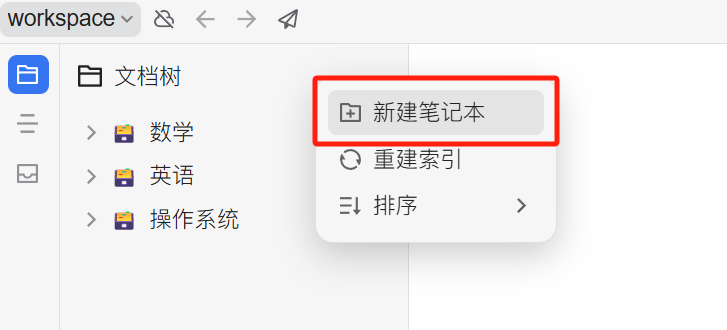
Откройте Siyuan Notes и создайте блокнот

<figure><img src="/files/460fb1cef5764fc2f32864f761a85c8d7f626df0" alt=""><figcaption><p>Нажмите «Создать блокнот»</p></figcaption></figure>

## в шаге 2

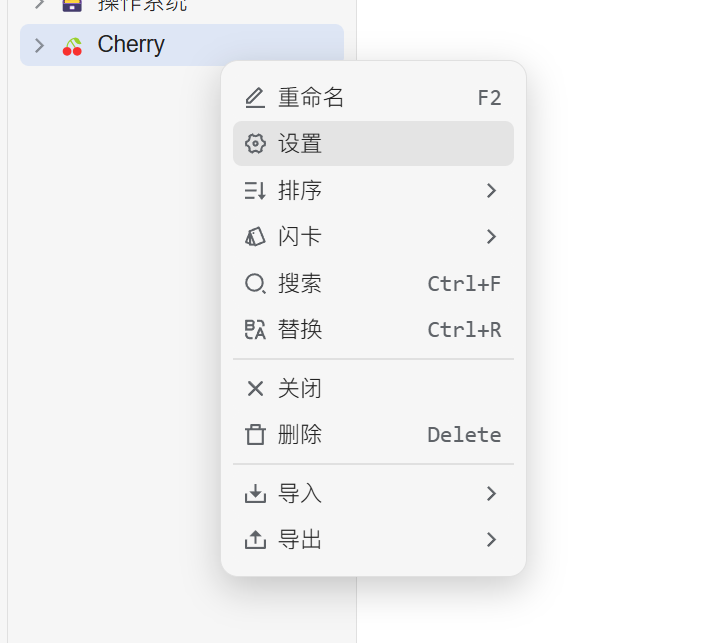
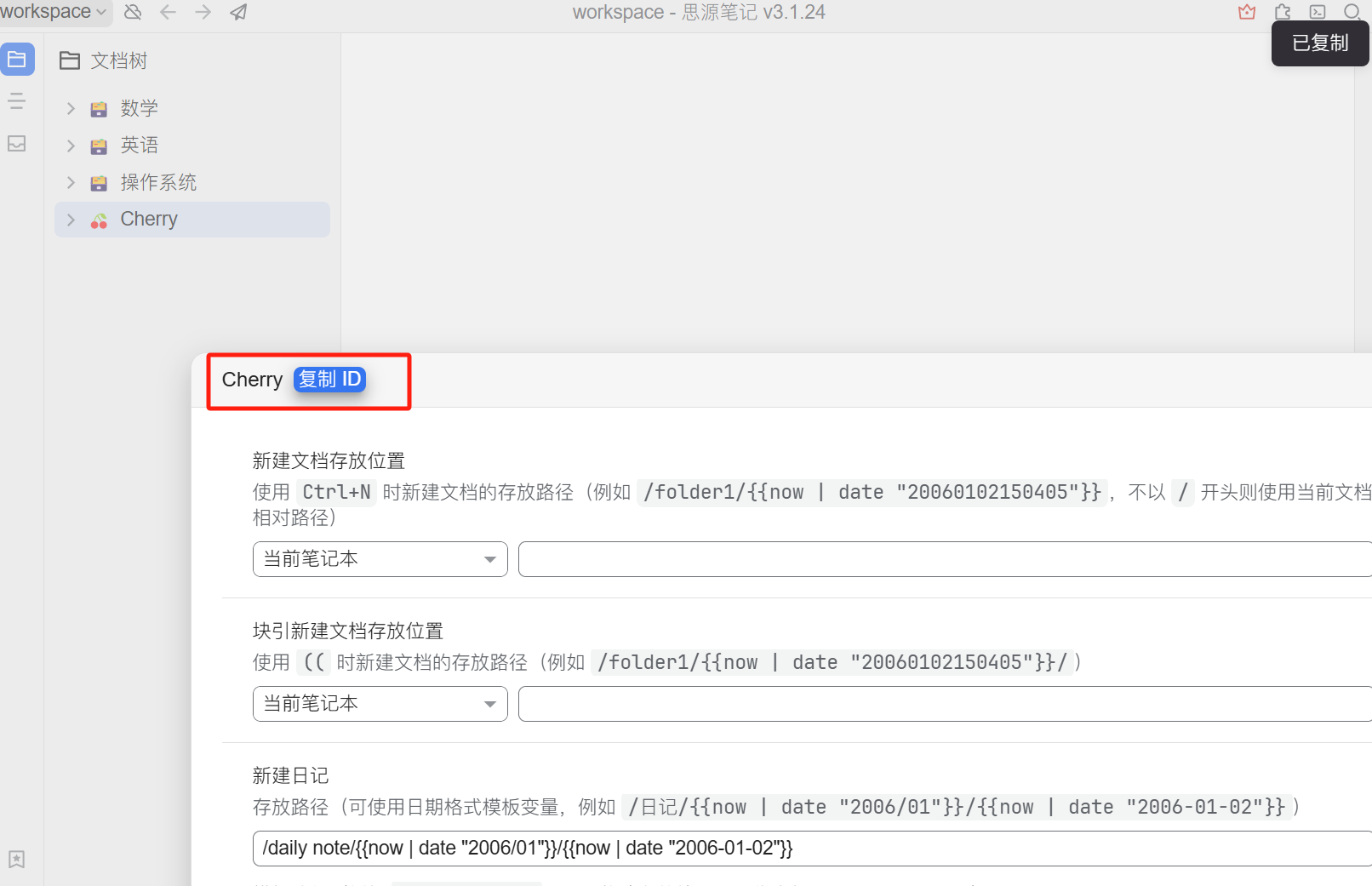
Откройте настройки блокнота и скопируйте `ID блокнота`

<figure><img src="/files/cb66e5ab88d0f824c2ac04e0c4dc49f3aee561ee" alt="" width="400"><figcaption><p>Откройте настройки блокнота</p></figcaption></figure>

<figure><img src="/files/a7dd4799576a389616134d6ef2b749709f0cc471" alt=""><figcaption><p>Нажмите кнопку копирования ID блокнота</p></figcaption></figure>

## Шаг 3

Скопируйте ID блокнота и введите его в настройки Cherry Studio

<figure><img src="/files/18f6665b179ea261c1f70870bea2e33cae926b4a" alt=""><figcaption><p>Введите ID блокнота в настройки данных</p></figcaption></figure>

## Шаг 4

Укажите адрес Siyuan Notes

* **Локально**\
  Обычно это `http://127.0.0.1:6806`
* **При самостоятельном развертывании**\
  Для вашего домена `http://note.domain.com`

<figure><img src="/files/af300251c89431a837597e837dfc3d426efd9c20" alt=""><figcaption><p>Введите адрес вашего Siyuan Notes</p></figcaption></figure>

## Шаг 5

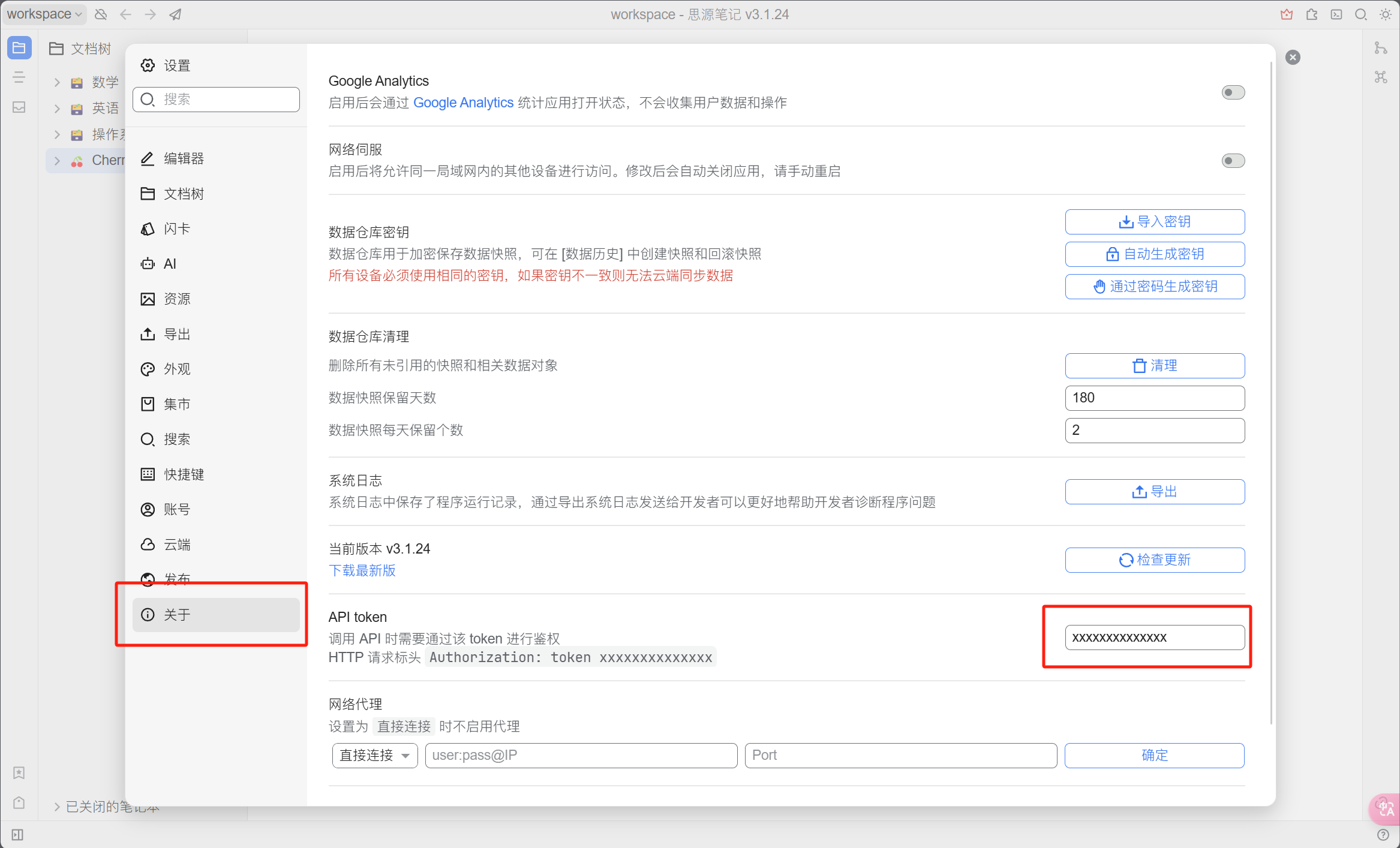
Скопируйте Siyuan Notes `API-токен`

<figure><img src="/files/436f3b5cb0f3eeada6539e512dd43861036833de" alt=""><figcaption><p>Скопируйте токен Siyuan Notes</p></figcaption></figure>

Введите это в настройки Cherry Studio и нажмите «Проверить» (все параметры конфигурации находятся на странице из четвёртого шага выше).

## Шаг 6

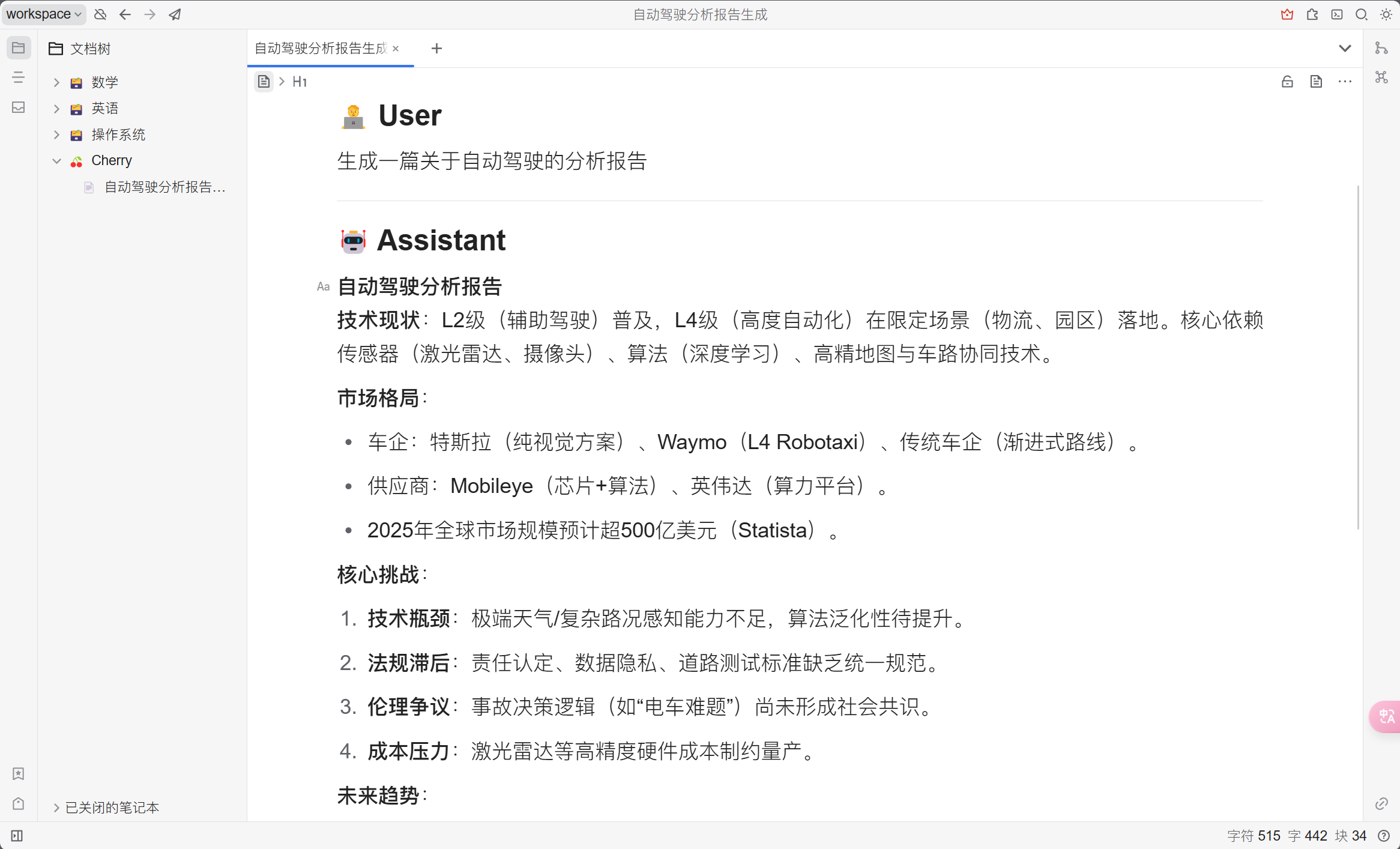
Поздравляем, настройка Siyuan Notes завершена ✅ Теперь вы можете экспортировать содержимое Cherry Studio в ваш Siyuan Notes.

<figure><img src="/files/1c11102929b3bfde36add97bda67140edd1cace8" alt=""><figcaption><p>Посмотреть результат экспорта</p></figcaption></figure>

***

### Получить помощь и отправить отзыв

Если у вас в процессе настройки или использования возникнут какие-либо вопросы, баги или предложения по улучшению функций, пожалуйста, обратитесь к [Отзывы и предложения](/docs/russian/question-contact/suggestions.md) официальным каналам, указанным там.


---

# Agent Instructions
This documentation is published with GitBook. GitBook is the documentation platform designed so that both humans and AI agents can read, navigate, and reason over technical content effectively. Learn more at gitbook.com.

## Querying This Documentation
If you need additional information that is not directly available in this page, you can query the documentation dynamically by asking a question.

Perform an HTTP GET request on the current page URL with the `ask` query parameter, and the optional `goal` query parameter:

```
GET https://docs.cherryai.com.cn/docs/russian/pre-basic/settings/data-settings/siyuan.md?ask=<question>&goal=<endgoal>
```

`ask` is the immediate question: it should be specific, self-contained, and written in natural language.
`goal` is optional and describes the broader end goal you are ultimately trying to accomplish on behalf of the user. GitBook uses it to tailor the answer towards what is most useful for that goal.

The response will contain a direct answer to the question and relevant excerpts and sources from the documentation.

Use this mechanism when the answer is not explicitly present in the current page, you need clarification or additional context, or you want to retrieve related documentation sections.