> For the complete documentation index, see [llms.txt](https://docs.cherryai.com.cn/llms.txt). Markdown versions of documentation pages are available by appending `.md` to page URLs; this page is available as [Markdown](https://docs.cherryai.com.cn/docs/jp/pre-basic/settings/display.md).
# 外観
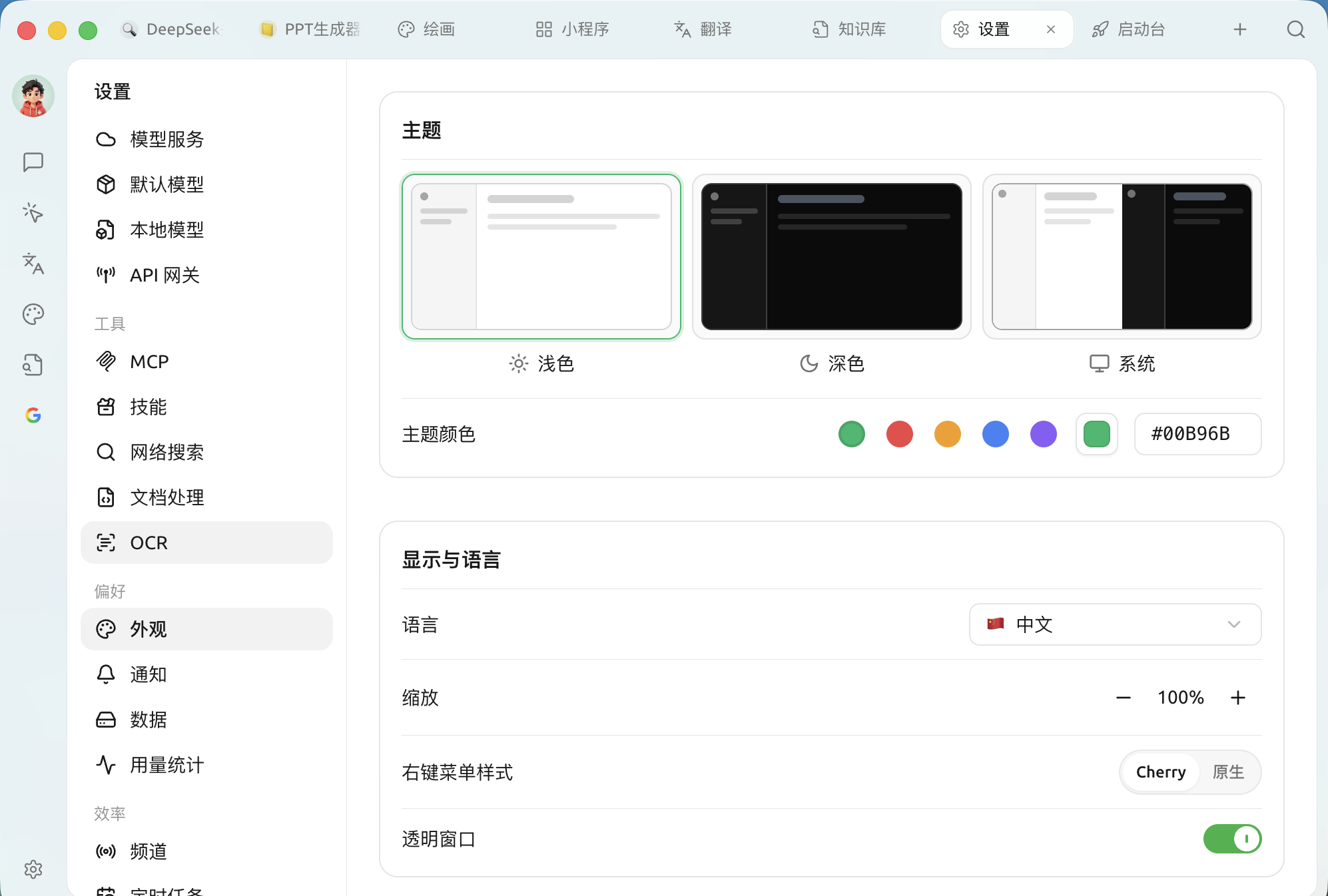
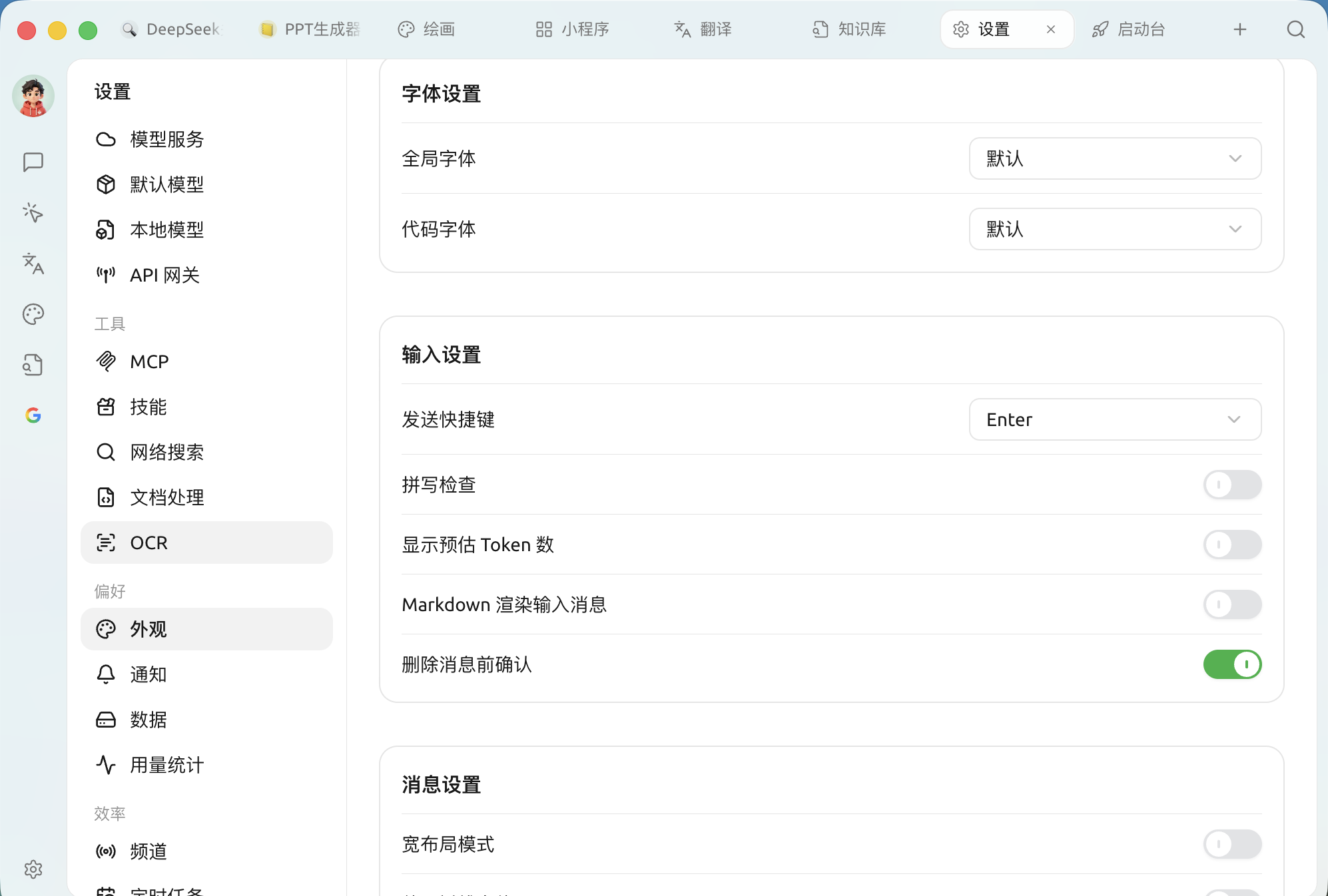
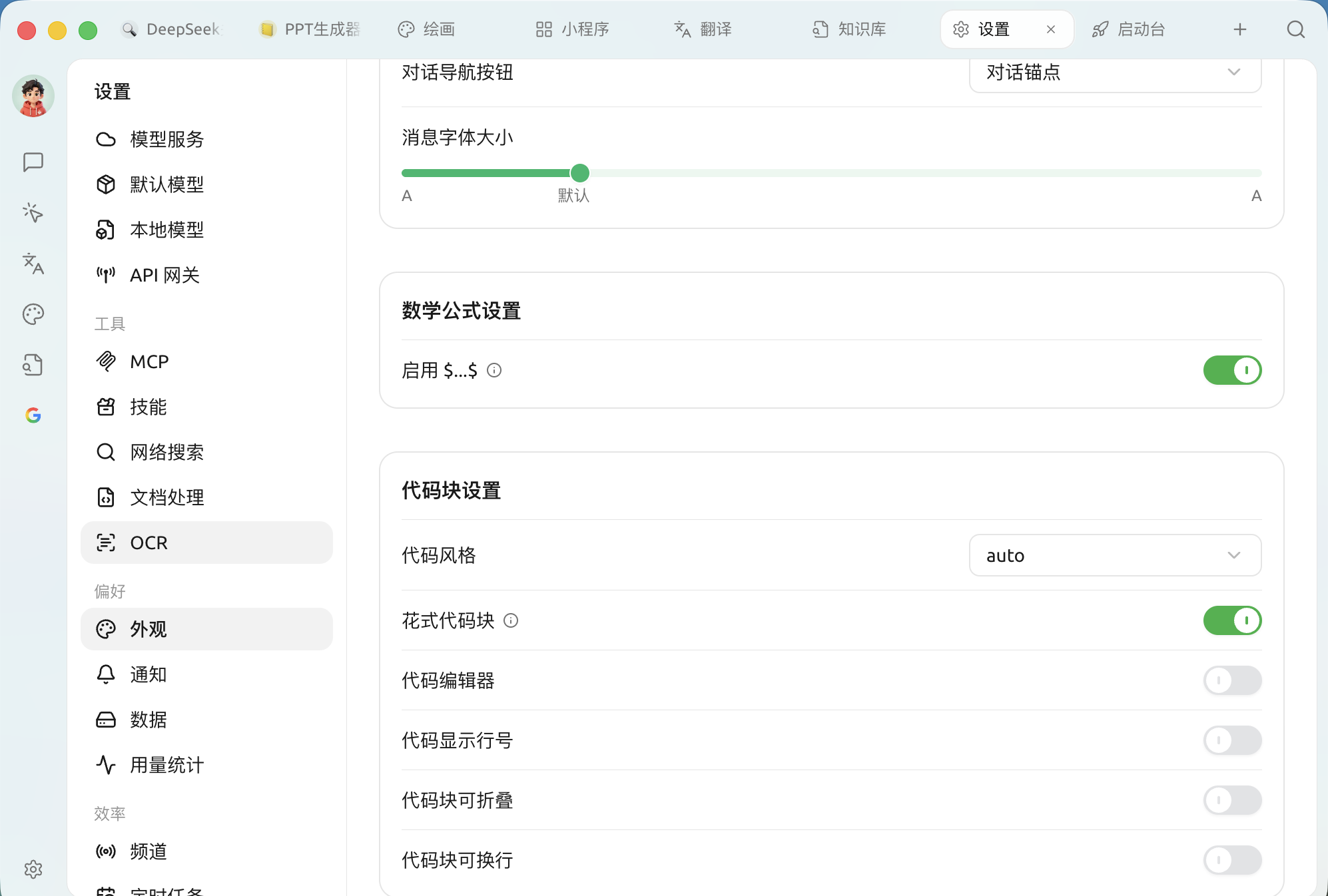
外観設定には **インターフェースの見た目、メッセージの表示方法、コードと数式のレンダリング方法** 一連の設定がまとめられています。開く `設定 → 外観`では、上から順にテーマ、表示と言語、フォント、入力、メッセージ、数式、コードブロックなどのセクションがあります。
> ここにあるオプションだけでは満足できませんか?さらに [カスタム CSS](/docs/jp/pre-basic/settings/display/custom-css.md) で詳細にカスタマイズできます。
### テーマとテーマカラー
| 設定項目 | 説明 |
| ---------------------- | -------------------------------------------- |
| **コードスタイル** | コードハイライトのカラースキームです(デフォルトは `auto` で、テーマに従います) |
| **装飾付きコードブロック** | より洗練されたコードブロックの外観 |
| **コードエディター** | 編集可能なコードエディタースタイルでコードを表示します |
| **コードの行番号を表示** | コードブロックの左側に行番号を表示します |
| **コードブロックを折りたたみ可能にする** | 長いコードを自動的に折りたたみます |
| **コードブロックの折り返し** | 1行が長すぎる場合に自動で折り返し、横スクロールを避けます |
> 有効にすると **コードエディター** 、さらに **現在行のハイライト / 折りたたみコントロール / 自動補完 / ショートカットキー** の4つのサブスイッチが追加され、エディターの動作をさらに制御できます。
### コード実行
* **コード実行**:会話内でモデルが生成したコードスニペットを直接実行できるようにします。
* **プレビューツールを有効化**:mermaidなどのコードブロックからレンダリングされた図表を即座にプレビューできます。
{% hint style="warning" %}
コード実行では、モデルが生成したコードがあなたのコンピューター上で実行されます。関連する内容を理解し、信頼できる場合にのみ有効にしてください。
{% endhint %}
### カスタム CSS
パネル下部のエディターでカスタムCSSを直接記述し、インターフェースをより細かく個人向けに調整できます。記述方法と例については [カスタム CSS](/docs/jp/pre-basic/settings/display/custom-css.md);デフォルトに戻す方法については [CSS設定をクリア](/docs/jp/pre-basic/settings/display/clear-css.md)。
***
### ヘルプの取得とフィードバックの送信
設定または使用中に不明点、バグ、機能改善の提案がある場合は、 [フィードバックと提案](/docs/jp/question-contact/suggestions.md) に記載の公式チャネルをご参照ください。
---
# Agent Instructions
This documentation is published with GitBook. GitBook is the documentation platform designed so that both humans and AI agents can read, navigate, and reason over technical content effectively. Learn more at gitbook.com.
## Querying This Documentation
If you need additional information that is not directly available in this page, you can query the documentation dynamically by asking a question.
Perform an HTTP GET request on the current page URL with the `ask` query parameter, and the optional `goal` query parameter:
```
GET https://docs.cherryai.com.cn/docs/jp/pre-basic/settings/display.md?ask=&goal=
```
`ask` is the immediate question: it should be specific, self-contained, and written in natural language.
`goal` is optional and describes the broader end goal you are ultimately trying to accomplish on behalf of the user. GitBook uses it to tailor the answer towards what is most useful for that goal.
The response will contain a direct answer to the question and relevant excerpts and sources from the documentation.
Use this mechanism when the answer is not explicitly present in the current page, you need clarification or additional context, or you want to retrieve related documentation sections.